
UNITY / Guides
How to install the JRPG UI template in Unity
ReLayer requirements, import order and automatic setup for the Stellar Unity UI template.
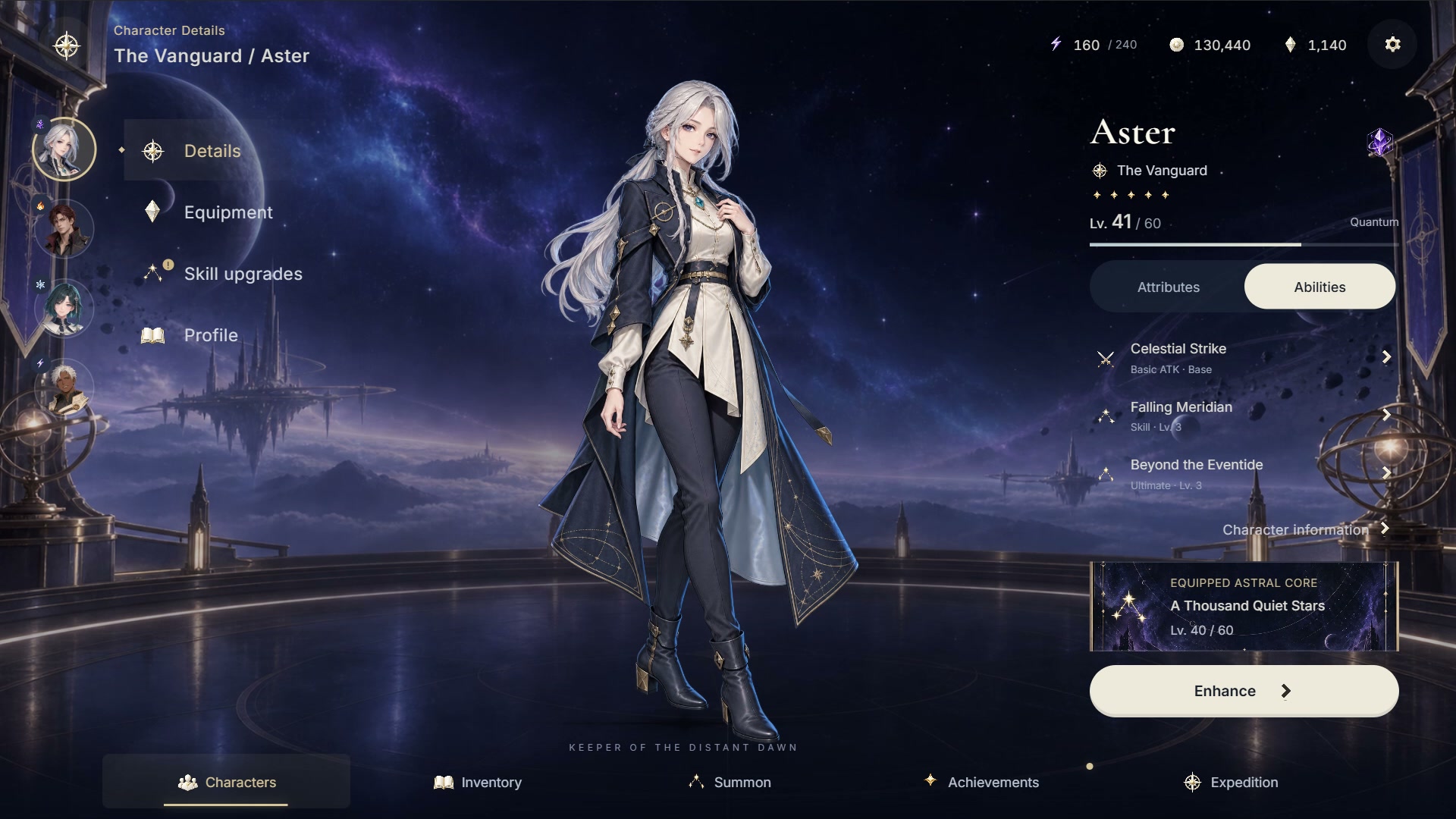
Import the template and your separately licensed ReLayer installation in either order. The template prepares its first local overlay automatically.
Check the requirements
Use one of the recorded Unity baselines: 2022.3.62f2 / 6000.5.2f1. ReLayer 1.1.9+ is required separately. The included UI source uses Node.js 22.12+, npm and package-registry access.
Import and wait for setup
After import, wait for Unity to finish. Setup prepares editable source, settings and the demo scene, installs the 2D Sprite package when needed, and builds the first overlay through ReLayer.
Open the demo
When Setup says Ready, choose Open demo scene and press Play. If the build environment needs attention, resolve the reported issue and use Retry automatic setup in Tools > Character RPG UI > Setup. Existing buyer files and open scenes are preserved.