
UNITY / Guides
How to customize the character and inventory UI
Where to edit the React screens, theme styles and artwork in the Unity JRPG UI template.
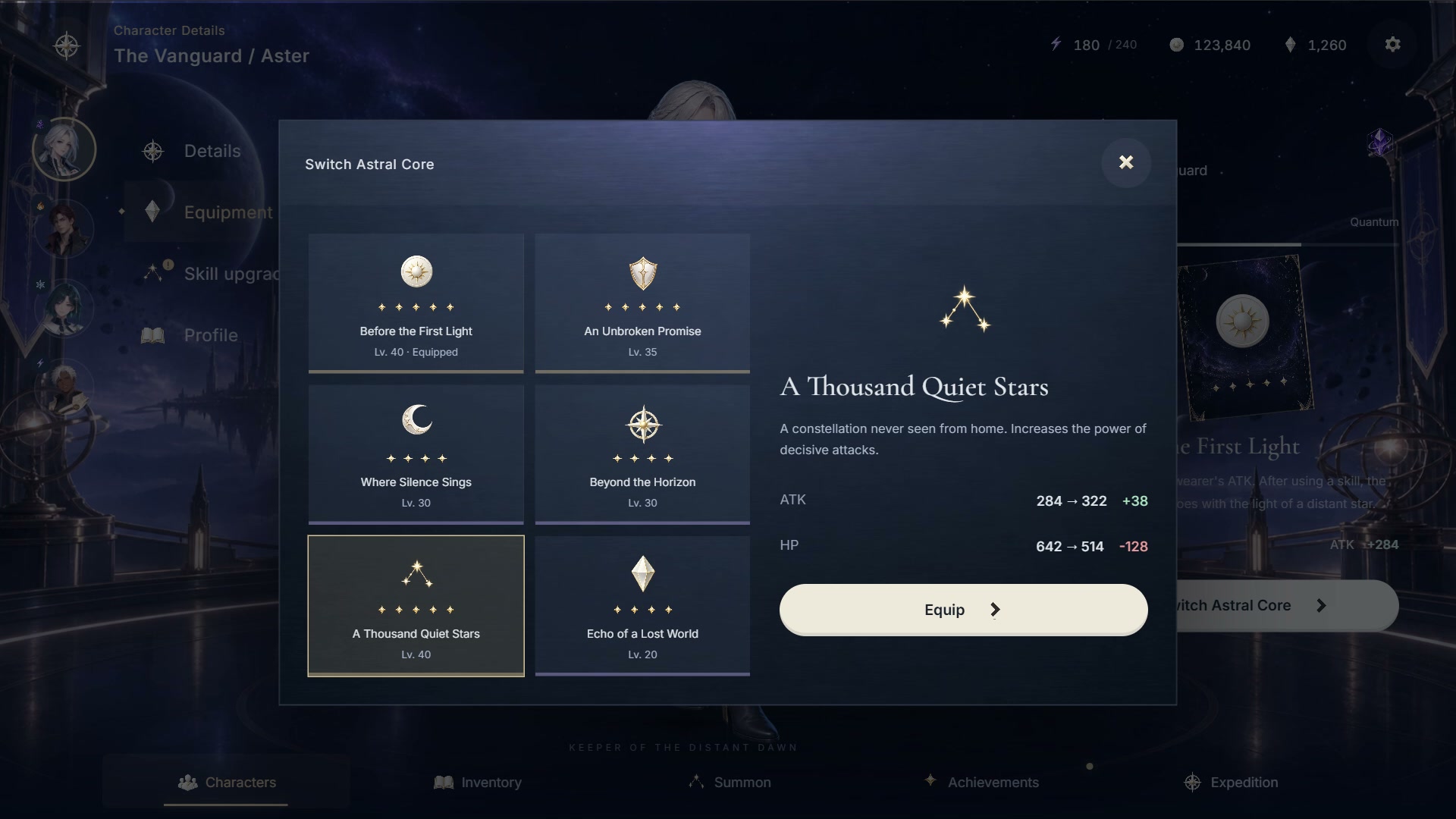
Customize the buyer-owned copy created by Setup. This keeps your changes separate from the distributed product source.
Edit your own UI copy
The Stellar buyer source lives at Assets/CharacterRpgUIUser/Overlay/stellar. Use src/App.tsx for screens, src/styles.css and src/theme-presentation/stellar.css for layout, and public/themes/stellar for UI artwork.
Keep Unity and React in their roles
Unity renders the world and main characters and owns game state. React renders the transparent UI, including portraits, controls and item cards, and sends command intent through ReLayer.
Rebuild the overlay
Use Build overlay in the Setup window after editing. Setup preserves existing buyer files. Do not install node_modules inside Assets; ReLayer prepares a separate build workspace.